
How to Know If a Projector Screen Is Too Big or Too Small for a Home Theater
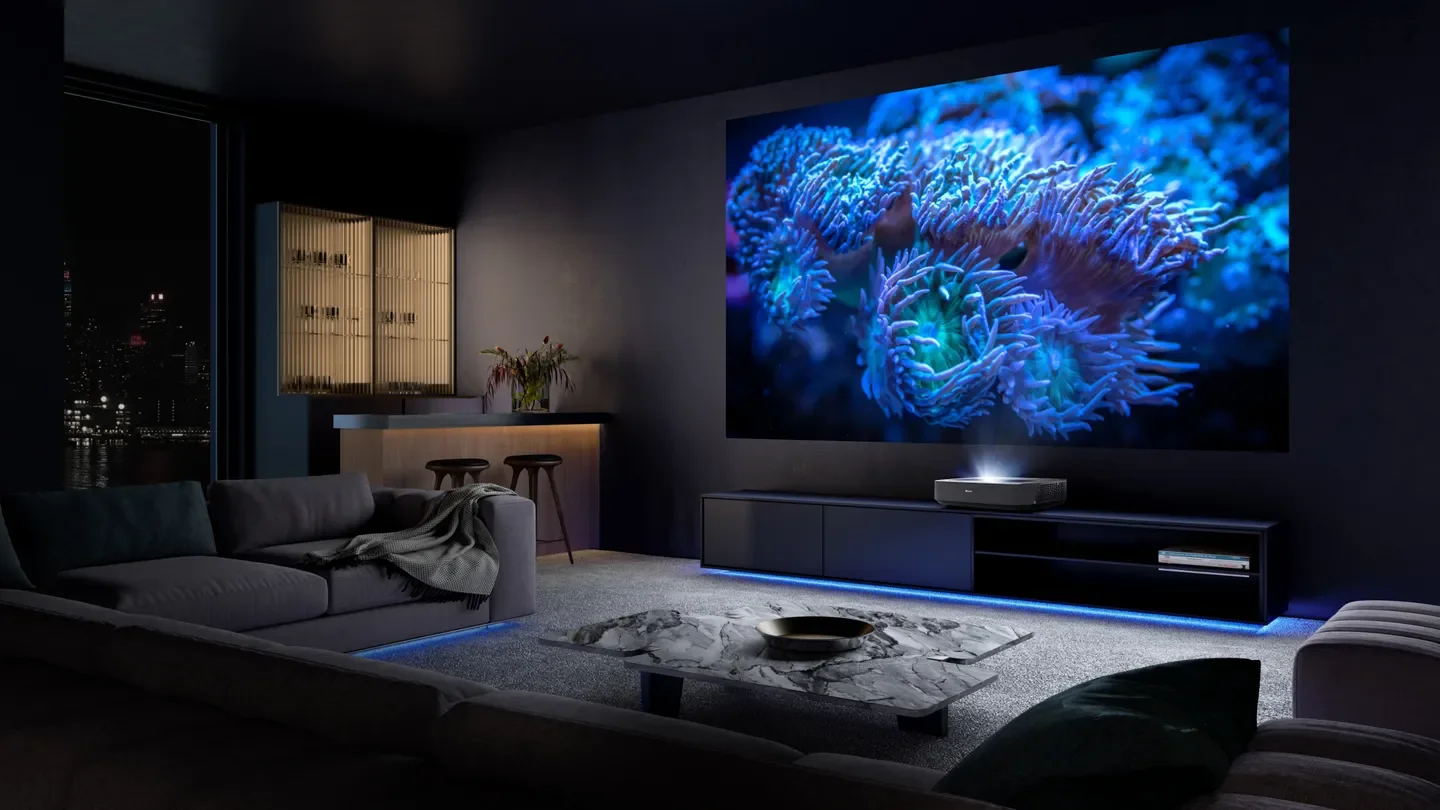
A projector can create a cinematic experience that rivals commercial theaters, but even the best projector can disappoint if paired with the wrong screen size. Choosing a screen that is too large can result in a dim, pixelated image, while a screen that is too small may fail to deliver the immersive viewing experience most homeowners expect.
Understanding how to determine the right screen size is essential for building a comfortable and enjoyable home theater.
Why Screen Size Matters
The screen is the centerpiece of any projector-based home theater. Its size affects image quality, viewing comfort, brightness, and overall immersion. A properly sized screen allows viewers to see details clearly without straining their eyes or constantly moving their heads.
The ideal screen size depends on several factors, including room dimensions, seating distance, projector capabilities, and personal viewing preferences.
Signs Your Projector Screen Is Too Big
1. The Image Looks Dim
One of the most common signs of an oversized screen is a lack of brightness. Projectors have a limited amount of light output, measured in lumens. As the image spreads across a larger surface area, brightness decreases.
If dark scenes appear muddy or washed out, your screen may be too large for your projector's light output.
2. You Can See Individual Pixels
When a screen exceeds the optimal size for your projector's resolution, image imperfections become more noticeable. Viewers may begin to see pixels, jagged edges, or a "screen door effect," especially when sitting close to the screen.
This issue is particularly common with lower-resolution projectors displayed on very large screens.
3. Viewers Need to Move Their Heads Frequently
A home theater should feel immersive, not exhausting. If viewers must constantly turn their heads to follow action across the screen, the display may be too large for the viewing distance.
A comfortable viewing experience allows most of the image to be seen without significant head movement.
4. Eye Fatigue Develops During Long Viewing Sessions
An excessively large screen can cause eye strain because viewers must continually scan different parts of the image. This can become noticeable during movies, sports events, or gaming sessions that last several hours.
5. The Screen Dominates the Entire Room
While a large screen can be impressive, it should still fit proportionally within the room. If the screen overwhelms the space or leaves little room for speakers, acoustic treatments, or décor, it may be larger than necessary.
Signs Your Projector Screen Is Too Small
1. The Viewing Experience Lacks Immersion
A projector's primary advantage over a television is its ability to create a large, theater-like image. If the screen feels similar in size to a standard TV from your seating position, it may be too small.
2. Fine Details Are Difficult to See
Small screens can make it harder to appreciate the detail offered by high-definition and 4K content. Viewers may struggle to notice subtle textures, facial expressions, or visual effects.
3. You Frequently Wish the Image Were Larger
Sometimes the simplest indicator is personal preference. If movies, sports, or games consistently feel less engaging because the image appears distant or undersized, a larger screen may improve the experience.
4. The Room Can Easily Accommodate a Bigger Screen
If there is significant unused wall space around the screen and the projector can support a larger image while maintaining brightness and clarity, upsizing may be worthwhile.
Using Viewing Distance as a Guide
Viewing distance is one of the most important factors when selecting screen size.
A common recommendation is that the screen should fill approximately 30 to 40 degrees of the viewer's field of vision. This creates an immersive experience without causing discomfort.
As a general guideline:
For an 80-inch screen, seating is often 8 to 10 feet away.
For a 100-inch screen, seating is often 10 to 12 feet away.
For a 120-inch screen, seating is often 12 to 14 feet away.
For a 135-inch screen, seating is often 13 to 16 feet away.
These distances vary depending on screen resolution and personal preferences.
Consider Your Projector's Capabilities
Not every projector performs well on every screen size. Before increasing screen dimensions, consider:
Brightness (lumens)
Native resolution
Contrast ratio
Throw distance
Lens quality
A projector designed for a 100-inch screen may struggle to produce a bright, sharp image on a 150-inch screen.
Test Before You Buy
One of the best ways to determine the ideal screen size is to project an image directly onto a blank wall. Use painter's tape to mark different screen dimensions and spend time watching various types of content.
This simple test can help reveal whether a screen feels too large, too small, or just right before making a purchase.
Finding the Sweet Spot
The perfect projector screen size balances immersion, image quality, and viewing comfort. A screen is too large when brightness suffers, details become less clear, or viewers experience discomfort. It is too small when it fails to create the cinematic experience that a projector is meant to deliver.
By considering viewing distance, room dimensions, and projector performance, homeowners can select a screen size that provides an engaging and comfortable home theater experience for years to come.
Conclusion
Choosing the right projector screen size is about more than filling a wall. The goal is to create a viewing experience that feels immersive without sacrificing image quality or comfort. By evaluating screen brightness, seating distance, room layout, and projector specifications, you can quickly determine whether your current screen is too big, too small, or perfectly matched to your home theater setup.
Any Further Questions?
Finding the right projector screen size can make all the difference in creating a truly immersive home theater experience. By balancing screen size, viewing distance, room dimensions, and projector performance, you can enjoy a setup that delivers both comfort and exceptional image quality. If you have any questions about choosing the right screen for your space or would like professional assistance with projector screen installation, we're here to help. Simply click the contact button below to get in touch with our team. We'll be happy to answer your questions, discuss your project, and help you create the perfect home theater setup for your home.